What to know
- The new experience uses WinUI 3.
- Inline actions include common system settings.
- The release is an Insider preview rather than broad availability.
Search begins to carry actions
Microsoft began previewing a redesigned Windows Search on October 7. Built on WinUI 3, the experience consolidates results into one list and adds inline actions for common tasks. Examples include changing dark mode, Bluetooth, brightness and audio settings. The company also describes improved handling of typos and synonyms.
The initial release is for Windows Insiders in Experimental channels. Microsoft’s announcement presents intended improvements rather than independently measured performance gains across the installed Windows base. The preview gives testers a chance to assess relevance, stability and interaction before broader distribution, and should not be treated as a generally available replacement on every managed PC.
An action result carries more responsibility
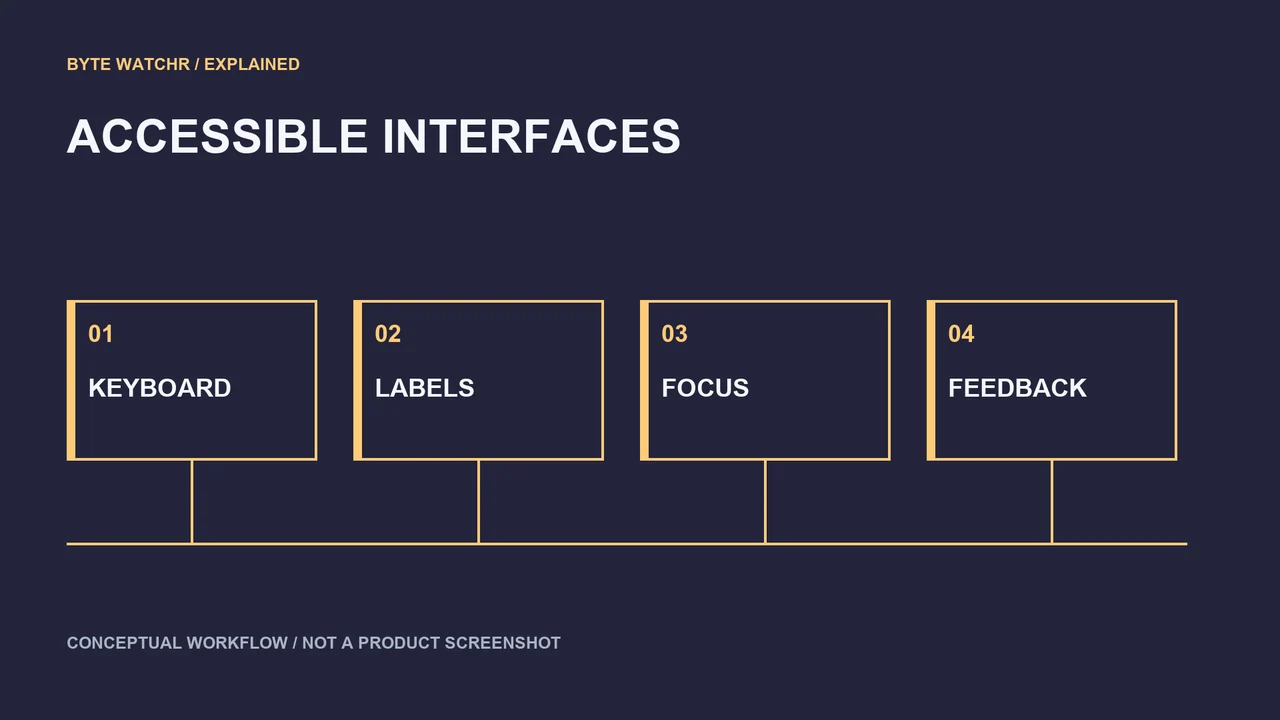
Finding a settings page and changing a setting are different interaction outcomes. An inline control can save several steps, but it must make clear what will happen when activated. Similar labels, stale state or an unexpected keyboard selection can turn a convenient shortcut into a confusing change. Testers should assess whether the current state and resulting action are both legible.
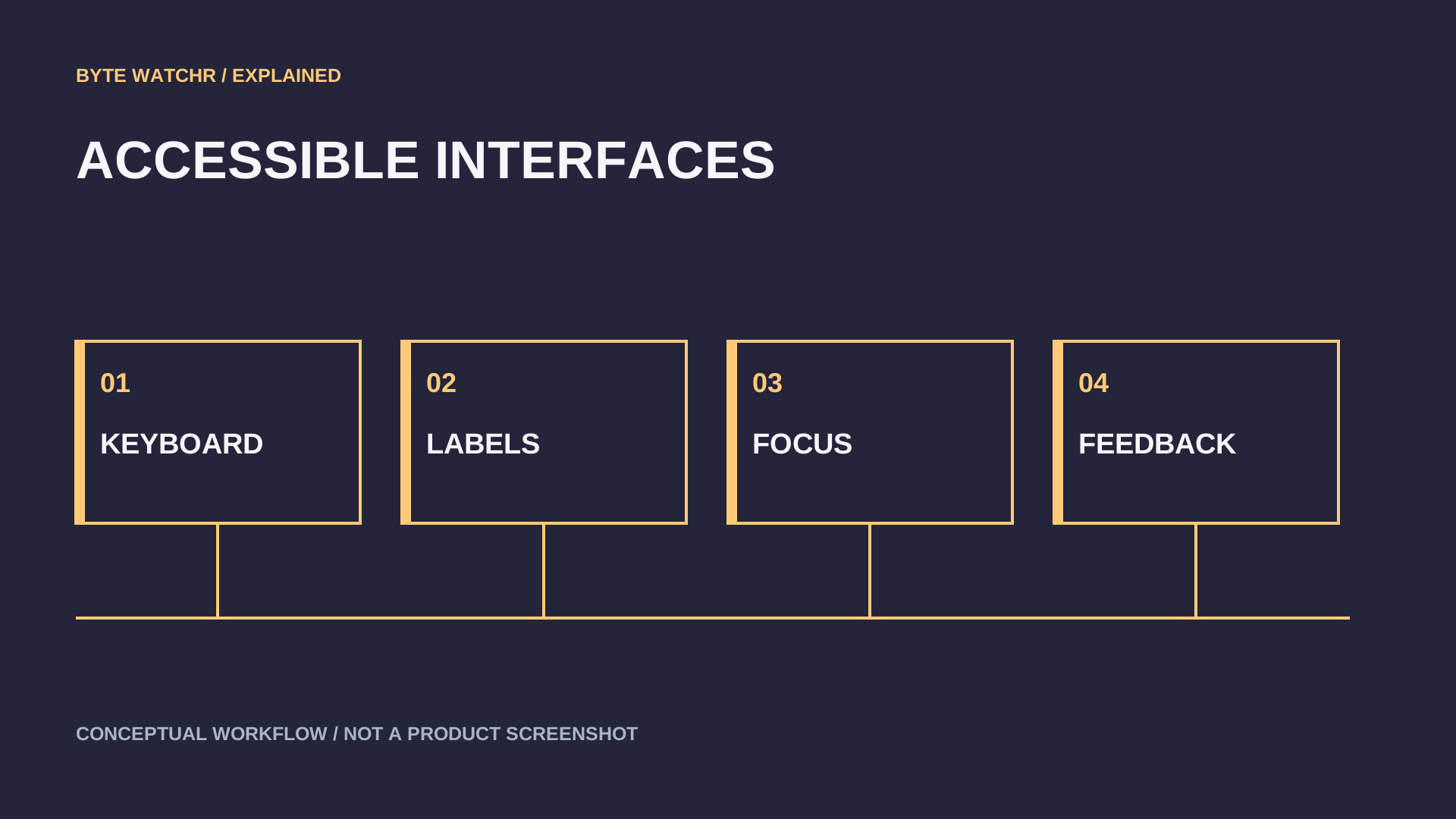
Keyboard and assistive-technology behavior deserve particular attention. A consolidated list should preserve predictable focus order, useful announcements and a clear distinction between opening a result and operating a control inside it. An interface that works quickly with a mouse can still be slower for someone navigating through each item with a keyboard.
Relevance testing should include imperfect queries. People often search for an outcome rather than the exact system term. A query about dimming a display, stopping notifications or hearing a call may refer to several controls. The interface needs to show enough context to choose the correct one without requiring the user to already know where the setting lives.
Measure the whole task
A useful comparison records time to complete a task, errors and recovery steps. Measuring only the moment when the search panel appears misses whether the user found the right action. Include a baseline with the existing experience and repeat tasks after a restart or under a busy system, where responsiveness can differ from an idle demo.
Enterprise testing should also include policy-controlled settings. If an administrator has restricted a feature, Search should explain its availability accurately. A control that appears operable but fails without explanation creates support work and encourages repeated attempts. The preview should be evaluated alongside the organization’s actual management configuration.
Byte Watchr’s assessment is that inline actions can make Search more useful by reducing navigation. Their value depends on accurate results, clear state and reliable recovery when a user chooses incorrectly. The Insider phase is the right time to find those interaction failures. Wider adoption should follow evidence from real tasks and varied input methods rather than the visual appeal of a single streamlined panel.
Sources & further reading
Factual statements are grounded in the linked material. Interpretation and illustrative examples are Byte Watchr analysis. Vendor claims are identified as claims, rather than independent testing.
The event date records the source announcement or documented operation. The coverage edition groups recent developments and is separate from the publication date. Actual publication is recorded above.
Corrections policy · About this byline